




















Digital manufacturer information

VDI Standard 2770

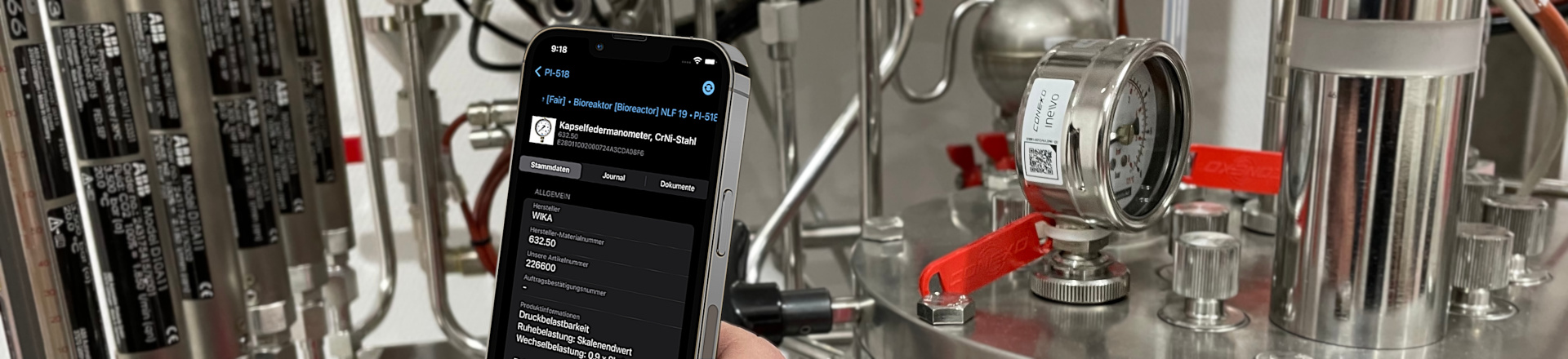
German companies procure more than five million items of equipment annually to setup, expand or maintain new production facilities. The operators receive information from manufacturers with the delivered components, e.g. for commissioning, maintenance and cleaning, which are stored in multiple IT systems and databases. For easy sharing and keeping information up to date, the information must be available in a digital and standardized format. However, this is often not the case. The result: Information is transferred manually between IT systems instead of using automated interfaces. This costs time and money.

The VDI standard 2770 “Digital manufacturer information” tackles this issue. It defines the properties, structure, scope, content and file formats of manufacturer information. This has advantages. Data from different maintenance systems can be transferred much easier. Additionally, maintenance tasks can be organised more efficiently. If technical information is available digitally (e.g., for a pump), the information can be provided to all production, maintenance and workshop employees via a cloud platform. This eliminates the hassle of searching for information from the manufacturer’s documentation.

VDI2770

VIDEOS

Overview guideline VDI 2770
Demo – VDI 2770 compliant documentation container

The adjacent sample documentation container contains a VDI 2770 compliant sample documentation consisting of the main document and some sample documents. It shows a typical structure of a VDI 2770 compliant documentation for a simple object.

VDI 2770 Editor open toolkit

With this application, the VDI 2770 open toolkit, you can create and download your documentation compliant to VDI 2770 in just a few clicks.

The VDI 2770 open toolkit is free of charge and can be used without registration. All documents and assigned metadata are processed locally and do not leave your computer. The source code of the VDI 2770 open toolkit is freely available.

Please note our data protection notice.

The VDI 2770 open toolkit is provided by plusmeta GmbH.

plusmeta GmbH

VDI 2770 editor (full version) + VDI 2770 viewer

With the VDI 2770 editor (full version), you can create and download your complete documentation in compliance with VDI guideline 2770 with just a few clicks. With the VDI 2770 editor (full version) you can use additional functions such as:

  • the simple integration of already created VDI 2770 compliant document containers and documentation containers,
  • the additional integration of native files into the document container for the required PDF/A file format,
  • the addition of more document classifications, in comparison to the classification according to VDI 2770:2018,
  • the addition of any number of ObjectIDs to further describe the supplied component.

The VDI 2770 editor is free of charge and can be used without registration. All documents and associated metadata are processed locally and do not leave your computer.

Please note our data protection notice.

With the VDI 2770 viewer, you can easily make your VDI 2770 compliant documentation readable without having to unpack the packages manually. The VDI 2770 viewer clearly lists all files contained in the VDI 2770 documentation package. The metadata of the “VDI2770_Main.xml” and “VDI 2770_Metadata.xml” files are clearly listed.

The VDI 2770 viewer is free of charge and can be used without registration. All documents and associated metadata are processed locally and do not leave your computer.

Please note our data protection notice.

VDI 2770 Validator

With this application you can check the conformity of the documentation with standard VDI 2770 Blatt 1:2020-04.

The application checks all requirements of the standard. The result is a report with detailed information on any deviations from the requirements. You can check the following elements of a documentation for conformity to VDI 2770:

–  Document container
–  Documentation container 
(consisting of main document and multiple document containers)

Simply load the files into the application via drag & drop or file explorer. To start the application please click the button “Start validation”.

Please note our data protection notice.

FA³ST Ecosystem

With this application from Fraunhofer IOSB, you can easily create and explore Asset Administration Shells (AAS) directly in your browser.

The free demo version of the FA³ST CreAItor allows you to manually create standard-compliant AAS and submodels, including the Digital Nameplate and Handover Documentation. The FA³ST Viewer enables an intuitive visualization of AAS, its submodels and properties through an AAS Server Connection.

The demo version is intended to give you a practical introduction to the creation and usage of digital twins in accordance with the IDTA AAS specification.

Please contact us if you want to test the full version with access to:

  • Automated submodel generation powered by AI.
  • Support for Technical Data, Capability Description, Carbon Footprint Submodels and more.
  • Access to additional tools for validation and asset connection.

FA³ST Ecosystem is provided by Fraunhofer IOSB

Please note our data protection notice.

Asset Data Creator

The Asset Data Creator from Codewerk allows easy creation of Administration Shells (AAS)  including matching ID-Links according to IEC 61406-series.

Documents are added with a few clicks and are provided with the submodel Handover Documentation (IDTA 02004-1-2), which is based on VDI 2770.

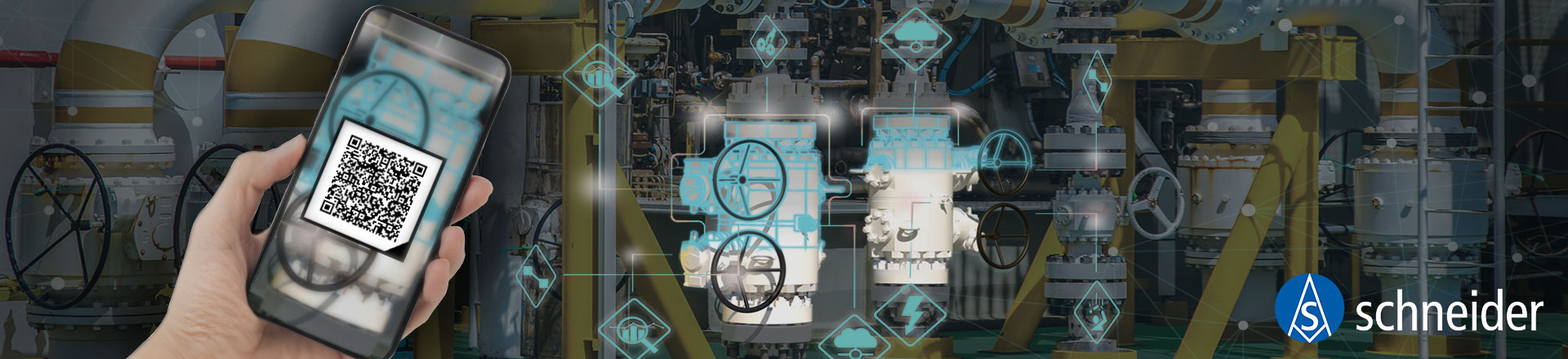
The complete AASX file can be downloaded after creation and used in any AAS-compatible Repository or Tool. Additionally, all created AAS can be accessed via a QR-Code and matching Login-credentials in the codewerk platform.

Feature overview:

  • Provision of basic asset information with the Digital Nameplate submodel (IDTA 02006-3-0), containing the IEC 61406-series ID-Link.
  • Provision of documents with the Handover Documentation submodel (IDTA 02004-1-2).
  • Provision of device images and technical properties with the Technical Data submodel (IDTA-02003-1-2).
  • Creation of AAS from physical nameplates using our AI tool.
  • Provisioning of data via IEC 61406-series compliant QR codes.

Asset Data Creator is provided by Codewerk GmbH.

Currently, the platform is free of charge.
You can create your free Login at https://aas.codewerk.de and start with the creation of your assets.

Please note our data protection notice.